5 Distros to Enhance Your Raspberry Pi Experience.

Build, design and prototype with the world’s best single board computer.
There’s a certain pitfall that can happen when you’re deciding to purchase some new hardware. While many people buy with a specific project in mind, others buy the hardware and then go looking for a project so the new toy doesn’t sit on the shelf gathering dust.
The beauty of the Pi though, is that in its modern iterations, it’s easy to customise and set up the machine to run almost anything you can think of.
In this previous article, we took a look at the Pi 5 and considered some alternative operating systems to help get the most out of your new Pi. With the article being nearly two years old, and plenty of new changes becoming available since then, it’s time to take another look.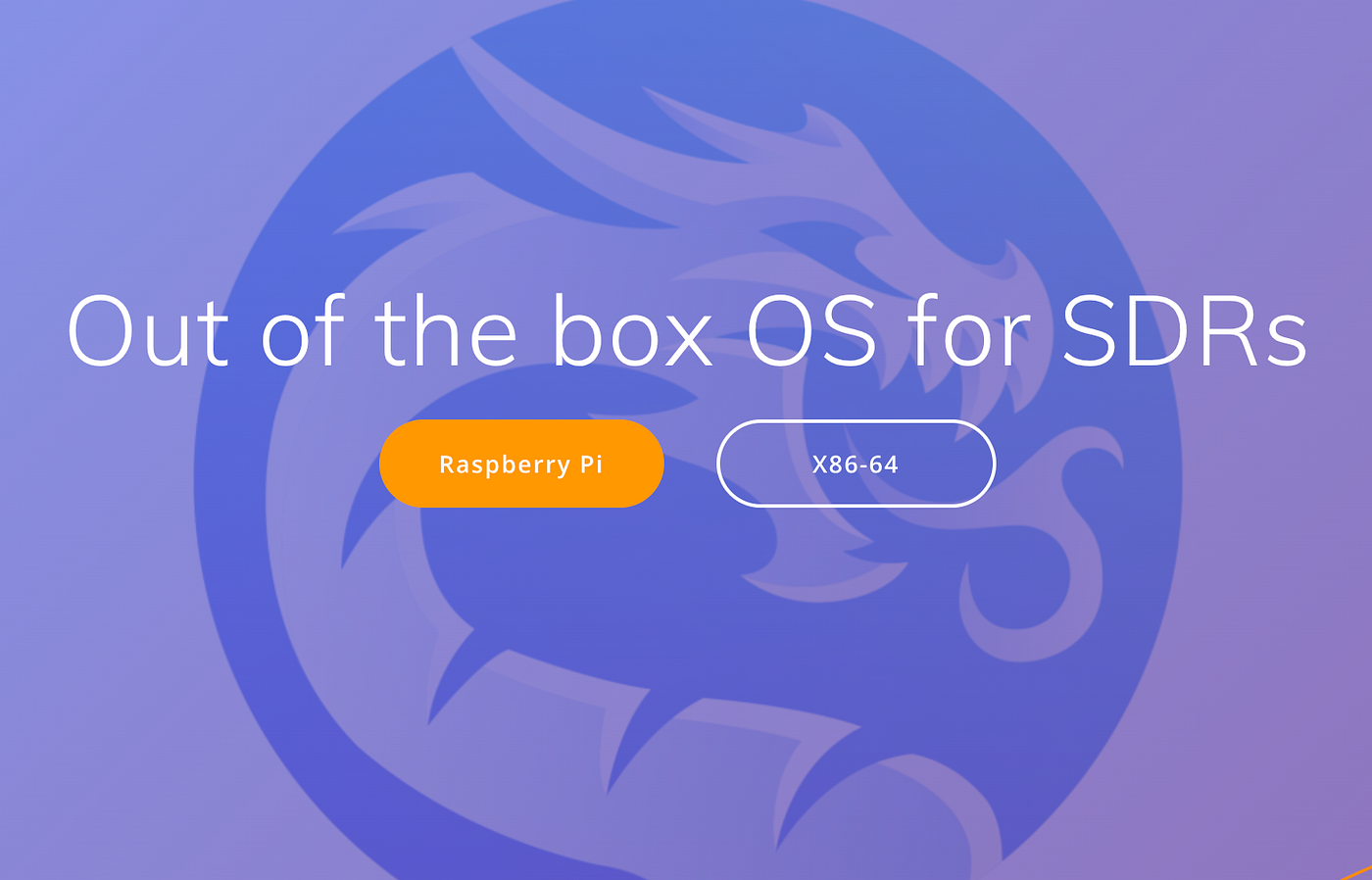
Dragon OS: Your SDR Focused OS
Kali Linux is both powerful and useful for both pentesters and researchers. For those of us who might be into wireless security research however, it is a little lacking on the radio side of things.
Dragon OS aims to right this wrong. Based on Ubuntu, Dragon is your one-stop shop for anything and everything SDR wrapped in a similar flavour to traditional Ubuntu. This means it’s pretty easy for anyone with some Linux experience to get started.
While you’ll need to be comfortable with the terminal to make the most of the software, there’s still plenty of GUI-based programs to help you find your feet.
It works particularly well on the Pi, with out-of-the-box support for proprietary devices like the SDRPlay, making it particularly useful.
From intercepting satellite data right through to tracking aviation assets and reverse engineering signals, Dragon is your one-stop shop.
Download Dragon OS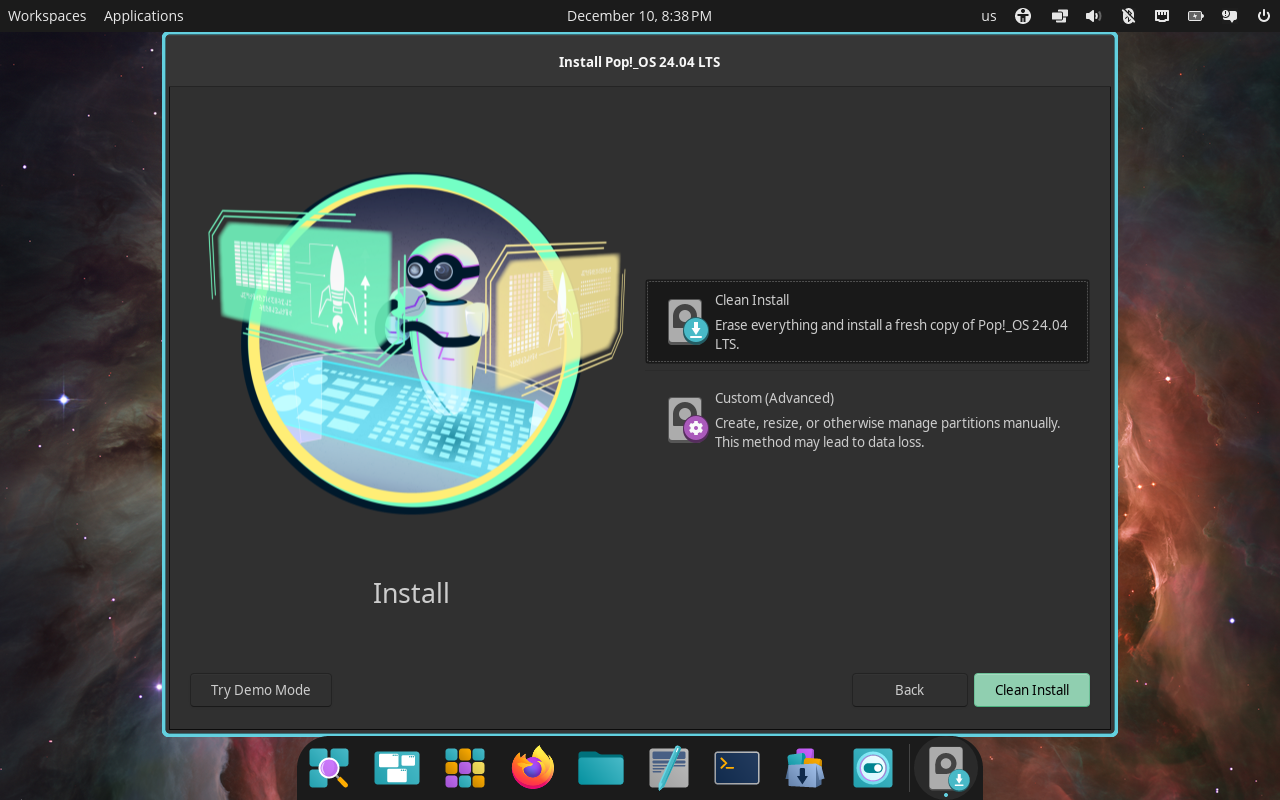
Pop! OS Pi
Developed thanks to System76 and based on Ubuntu, Pop! OS is a winner when it comes to daily driving.
Packaged up with System76 machines, Pop! simply has to work reliably, and work (for the most part) it does. In fact, Pop! OS is daily driven on some machines that live on this desk.
While it isn’t without some flaws, it works pretty well at giving a user-friendly experience that is easy to transition across to. And, unlike most versions of Linux, the terminal is entirely optional.
It comes with an app store and uses the same apt package manager that you’ll find on Raspberry Pi OS, and because it’s delivered by System76, the software is well supported.
While it was initially available only on x86 machines, it has expanded with time, and now we can also install it on ARM boxes as well.
Like most Linux variants, it’s also free. So, if you’re looking to get started with Linux, you could do a lot worse than starting with this OS on the Pi. You can keep the money you’d have spent on Windows in your own pocket because let's face it, we know you deserve it.
Download Pop! OS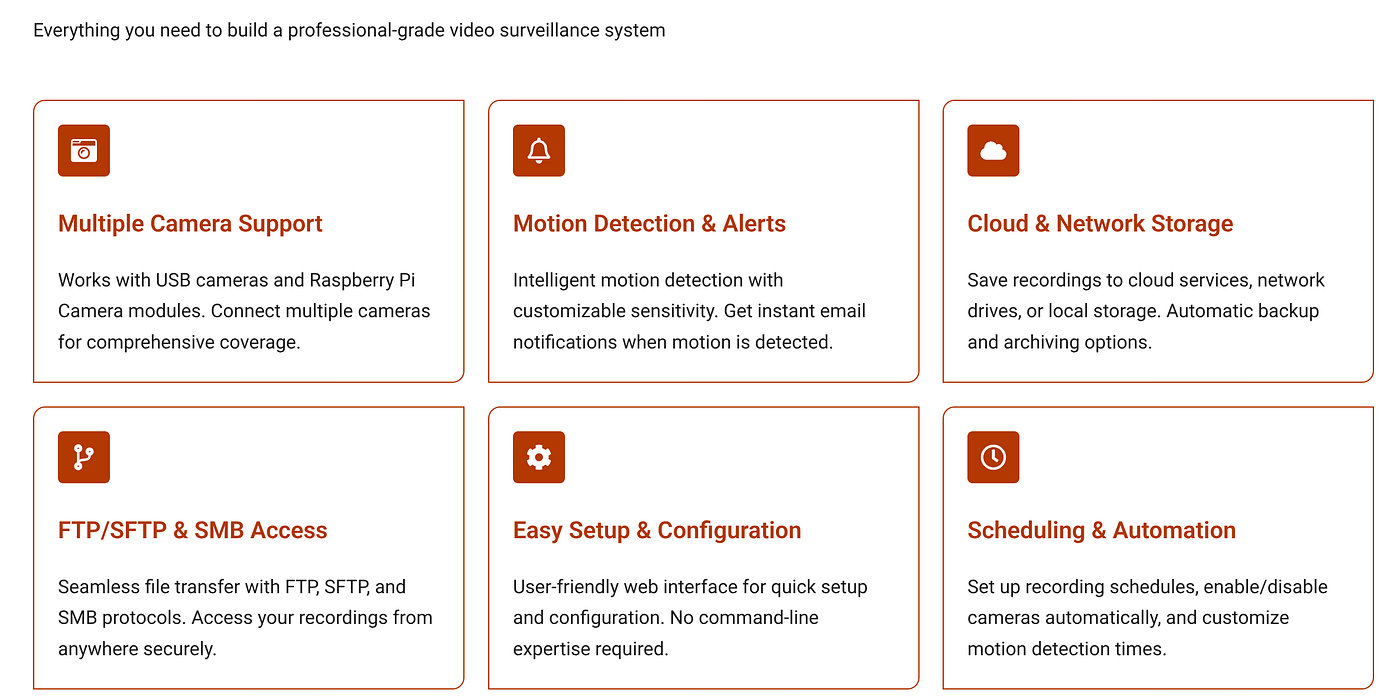
MotionEyeOS
The beauty of the Pi is the sheer array of hardware and peripherals that are available for the device, and one of the best is the Raspberry Pi Camera. Where it really shines though, is when you pair it with dedicated software like MotionEyeOS.
Making the project both modular and customisable, MotionEye allows you to set up a Pi, and its camera as a low-cost, dedicated surveillance system.
If you’re a fan of privacy, you’re probably going to love MotionEye. Not only does it make surveillance options ridiculously cheap, but the open-source nature of the project means that it’s perfect for the privacy-conscious among us.
You won’t always need an internet connection either, as MotionEye allows for local operation, making it perfect for those places where even mobile telephone signal doesn’t dare to roam.
Test out MotionEyeOS on your Pi.
Parrot OS
When it comes to ready-to-roll pentesting software, it’s a shame that Kali steals the limelight because Parrot is legitimately cool.
An operating system that markets itself as “The Operating System For Hackers” is bound to be both well set up and incredibly useful, and on both counts, Parrot fits the bill.
With a steadily growing community of users, Parrot aims to be the go-to for the technically minded. As such, it’s kitted out with all the tools you’ll need to get your hack on (legally of course).
You don’t have to be a hacker nerd to appreciate Parrot though. Privacy-focused users will also appreciate the built-in AnonSurf packages that help enable private browsing.
Go check it out, it’s hard to be disappointed.
Give Parrot OS a trial
Diet Pi
DietPi is an extremely lightweight Debian-based Linux distribution designed for single-board computers like Raspberry Pi. Optimised for minimal CPU, RAM, and disk usage to maximise performance, it works well on older variants of the Pi.
It features a simple installation process, a core tool called DietPi-Software for adding ready-to-run applications and due to the lightweight nature, it is particularly good for embedded systems or even a headless server.
This might sound complex to use, but it’s easy to install and the Diet Pi Software package makes it easy to install additional programs on your device.
Download Diet Pi
Over To You
One of the best things about the Pi is its active user community to make the whole experience easy to get involved with. Second to this though, is the sheer range of software available for use. And, for the most part, it’s usually free and open source.
From an educational perspective, this makes the whole experience, as rather than having to purchase a license for each package, you can distro hop till your heart is content. And, some of us do!
In all seriousness, though, this alone is a perfect excuse to work your way through some of the software available and see where it takes you.
Be careful though. One day, you’re daily driving Windows, the next you’re part of Team Penguin.
That’s just how things go sometimes.
If you found this article insightful, informative, or entertaining, we kindly encourage you to show your support. Clapping for this article not only lets the author know that their work is appreciated but also helps boost its visibility to others who might benefit from it.
🌟 Enjoyed this article? Join the community! 🌟
📢 Join our OSINT Telegram channel for exclusive updates or
🐦 Follow us on Twitter and
🟦 We’re now on Bluesky!
🔗 Articles we think you’ll like:
- What The Tech?! Space Shuttles
- Shodan: A Map of the Internet
✉️ Want more content like this? Sign up for email updates