Creating a short movie -crime story
For some time now, the world has gone crazy about AI technology, and you can find plenty of examples of its use on the internet: from automating processes in office administration, commerce, and marketing, to helping create graphics, or even more complicated tasks like vibe coding
Although I am a complete amateur regarding computer technology, I realized that unless I take an interest in the application of AI across various fields of life, I will be left behind.
Since I had some experience publishing various types of articles on self-publishing platforms, and I found a lot of fun in it, I decided to use it to create something with the help of AI. My choice fell on creating short videos based on my earlier articles.
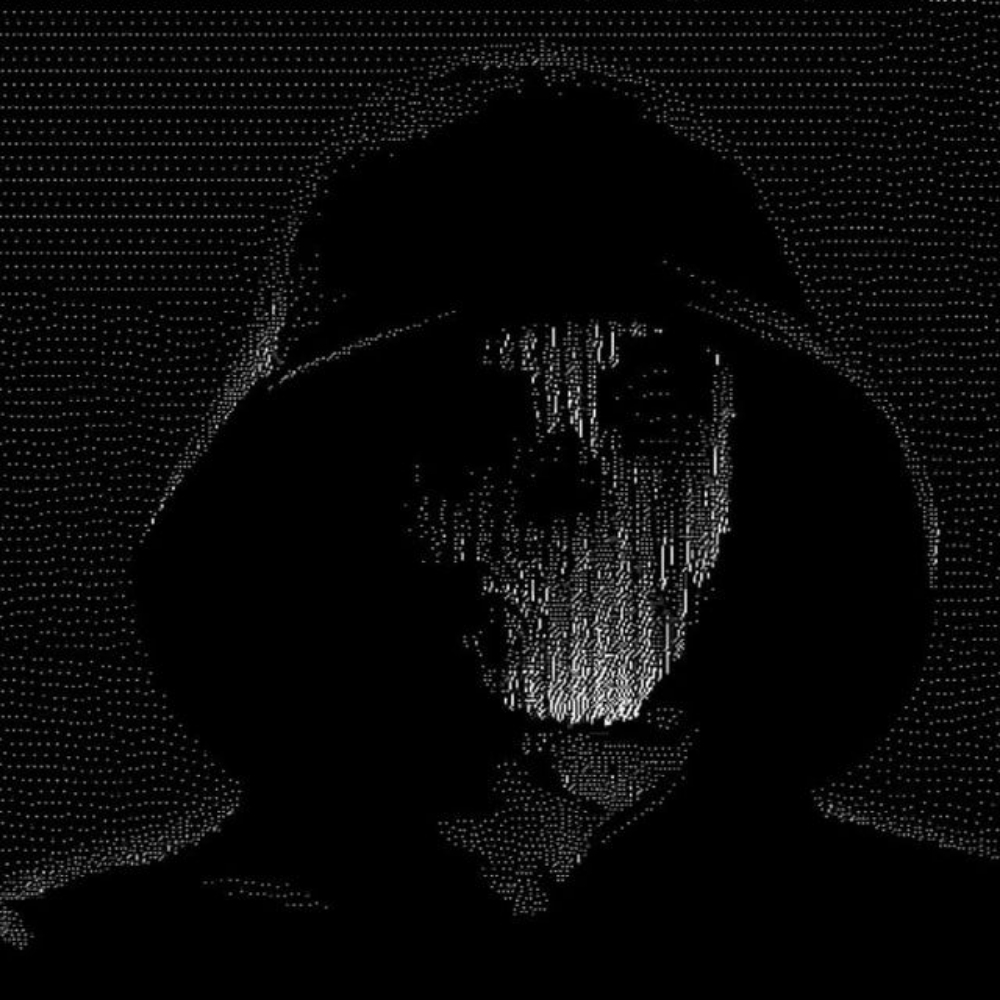
I would like to create something modeled after YouTube channels such as Fern or Lume. Their videos are a masterpiece in building tension: a hypnotizing narrator's voice, slow, dark shots, and brilliant sound design. I always wanted to create something similar, obviously I realize that in my case, it will be much more amateur.
I decided to take dry text from the internet and, step by step, turn it into a fully-fledged, engaging true crime video based on an article I wrote, along with others I found online. For this project, I tackled the high-profile, brutal case of Argentine influencer Fernando Pérez Algaba.
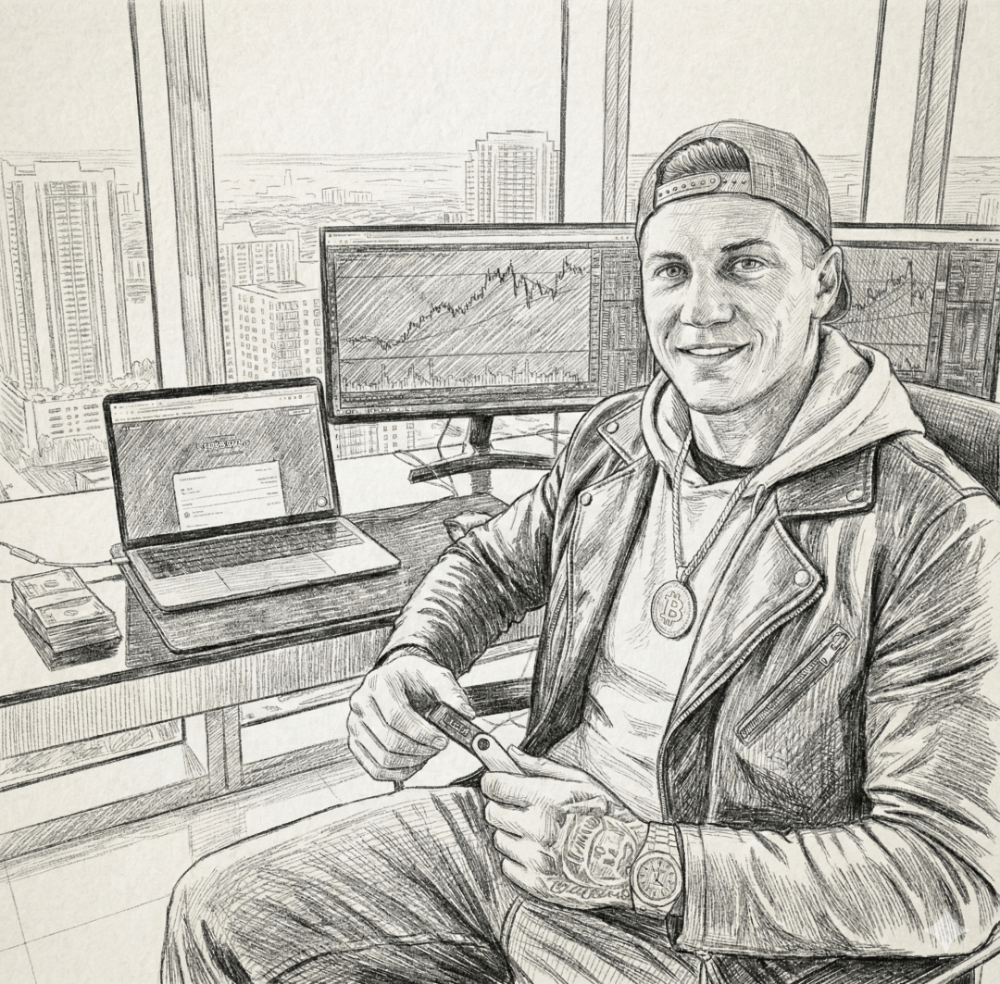
Step 1: Research and scriptwriting (The Foundation)
Naturally, like with any AI model, I had to guide it using prompts to achieve the exact effect I was looking for. My very first prompt went something like this:
craft a storytelling narrative for these collected documents, in the style of the YouTube channel FERN.
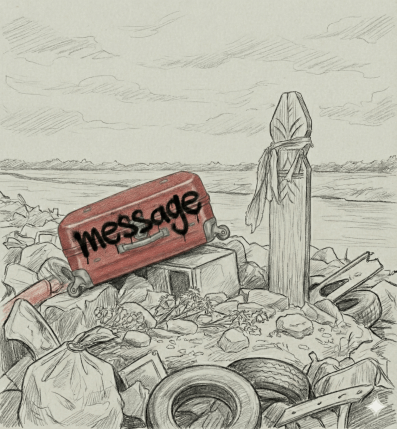
Gemini suggested a structure built on contrast: on one hand, the glitz, luxury cars, and millions on Instagram; on the other, a brutal death, a murky stream in Ingeniero Budge, and a red suitcase.
It mapped out the next stages of creating the video for me, including the script, visuals, and soundtrack:
Here is a storytelling script adapted for a documentary in the style of Fern (or similar high-production video essay channels like MagnatesMedia or Lemmino).
The style focuses on a slow, rhythmic delivery, contrasting the glossy allure of wealth with the gritty reality of the crime. I have organized it into segments with visual cues.
Step 2: Voiceover, enter ElevenLabs
When it comes to true crime documentaries, the voiceover is half the magic. A standard, robotic text-to-speech was out of the question, and I definitely didn't have the courage to use my own, far-from-radio voice. Instead, I reached for ElevenLabs. This platform allows you to create a stunningly realistic voice with exactly the right intonation and pauses. I selected a deep, somewhat gravelly, and steady voice. By entering the text in segments and manually adding pauses for 'breaths,' I made it sound as if the narrator were sitting right beside the viewer in a pitch-black room, unraveling a grim story.
Step 3: Visuals (Nano Banana Pro, Veo, and Kling)
Where the actual magic happens. I made up my mind to generate the visuals from scratch using tailored prompts. I really wanted slow, eerie frames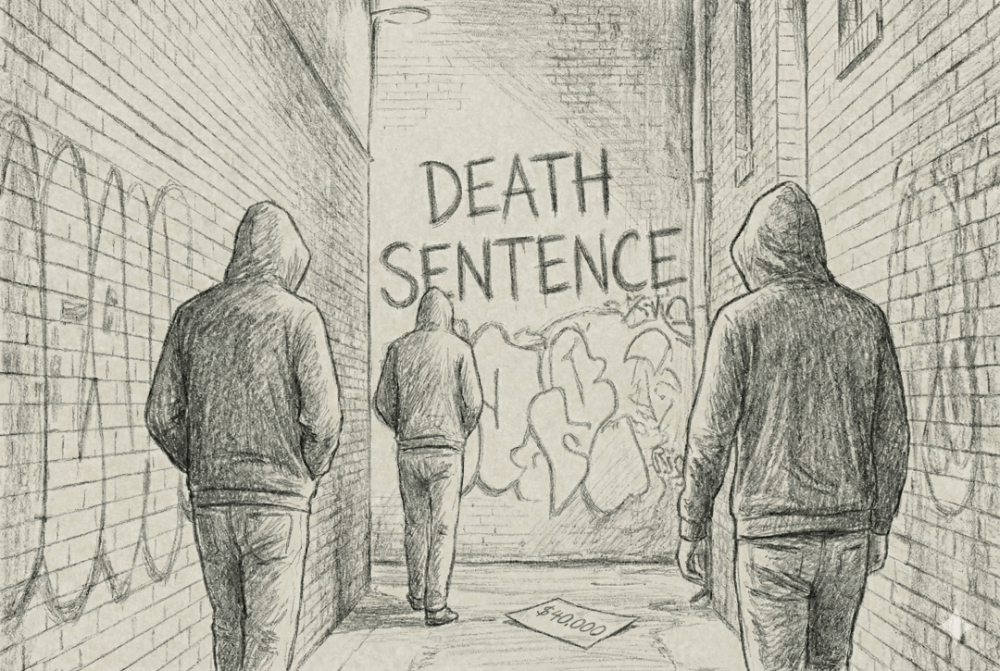
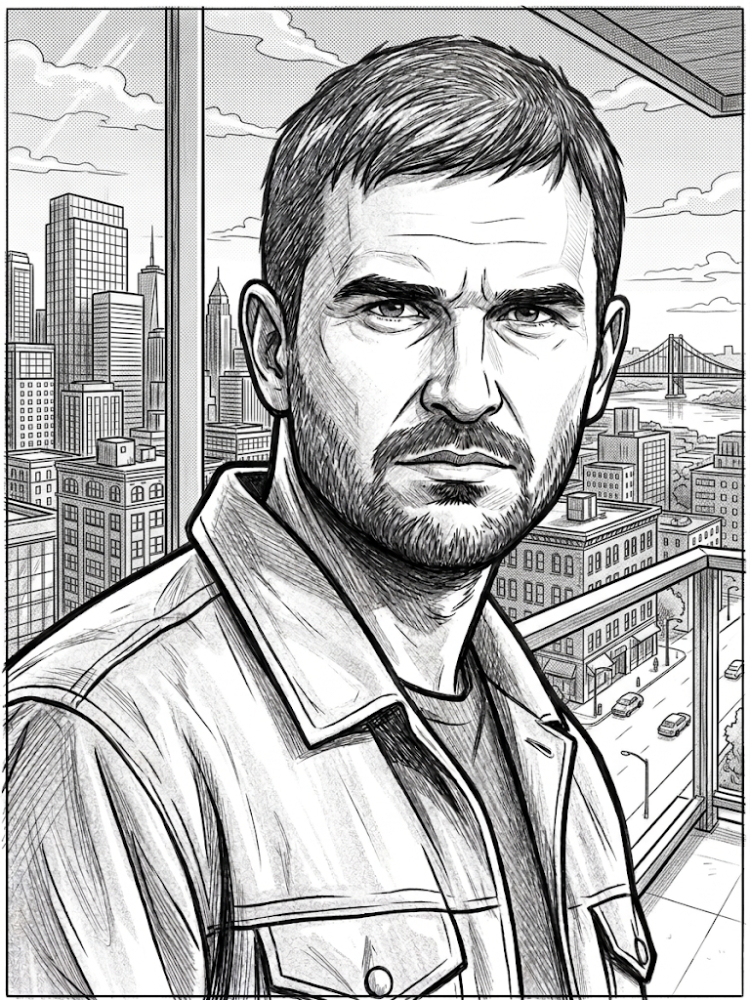
1. Nano Banana Pro: This was my go-to for building the base—the photorealistic stills. I produced gloomy, incredibly textured shots: a discarded red suitcase lying in the mud, empty warehouses with luxury cars, and Buenos Aires' neon lights reflecting off puddles. The majority of the visuals feature a hand-drawn, "sketch style" vibe.
2. Kling and Veo (video models): Static images are not enough. Using Kling and Veo, I animated the generated graphics. I added subtle movement to them: a slow camera approach, slowed down tempo of movement, rain falling on the street, or the flickering of a broken street lamp. Thanks to this, the frames gained dynamics without losing their dark climate.
Step 4: Editing and sound design (CapCut)
Using the tools mentioned above, I managed to generate a ton of footage, which allowed me to put together a solid true crime documentary (at least in my opinion!).
Everything looks beautiful in theory, but now it all needs to be assembled into a single, logical narrative. For the editing process, I selected CapCut—a free program that offers a multitude of handy tools, such as ready-made trending templates, along with advanced video effects and transitions.

Conclusion
Considering how much time, resources, and skill it takes to create documentary films, personally, having no prior experience producing this kind of content, I never would have taken this on.
Even two years ago, creating such material would have required a whole team of people, possessing professional equipment, a lot of money for video stock licenses, and hiring a professional voiceover
Today, however, having a little free time, having access to the internet and tools such as Nano Banana Pro, Veo, Kling, ElevenLabs and CapCut, one can be tempted to create a documentary film (e.g. true crime type), at least on an amateur level.
The Final Outcome
Due to the explicit nature of the content and phrases that would likely be flagged by YouTube's censorship algorithms, I opted to publish my video on a less restrictive platform: Odysee.
https://odysee.com/@DomTom:4/The-red-suitcase:f
Difficulties and expenses
Was it difficult? Considering this was my very first time practically applying AI to create video assets, I struggled with quite a few things. The biggest hurdle was formulating prompts correctly so the AI would generate exactly the image or video I had in mind. Another huge challenge was maintaining character and location consistency across the generated visuals. Crafting prompts to navigate around the censorship that models like Gemini or Kling often triggered due to the brutal scenes was also a major headache. Additionally, because of my minimal editing experience and lack of a powerful rig, I decided to render my first video without music and in a lower quality (like MP4).
Naturally, as I cultivate this new hobby, I will make every effort to ensure a much higher production value for my future films.
Expenses
Was it profitable? Well, considering the costs, absolutely not. Since I mostly used paid subscription tiers for the platforms—Gemini Plus, Kling Standard, and ElevenLabs Creator—it cost me quite a bit. At around $40 a month with zero earnings, the return on investment was strictly negative.
The editing process itself posed a significant challenge, although the editing program -CapCut is free of use, I had to use some paid opt. As a total beginner, I endeavored to seamlessly stitch together the AI-generated assets. Nevertheless, the enjoyment derived from producing film materials via AI and the chance to acquire new skills undeniably compensate for the financial outlay... yet there is still a steep learning curve ahead of me.