Your iPhone Battery Dies Fast Because Of This One Setting

If your iPhone battery dies before evening, your battery is not bad. This one setting is the problem.
Go to Settings > Privacy & Security > Location Services > Scroll down > System Services > Turn OFF Significant Locations, iPhone Analytics, and Networking & Wireless.
Your iPhone uses GPS every minute to track where you go, even when you are not using it. That drains your battery and your data at the same time.
After you turn it off, do this too:
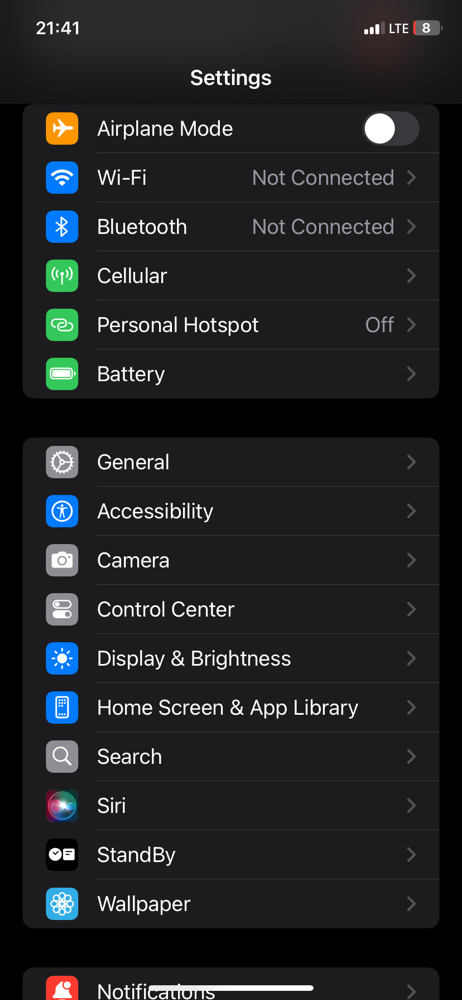
Go to Settings > Battery > Turn ON Low Power Mode from 8am.
Your phone will still work normally for WhatsApp, Facebook and browsing, but it will stop wasting power in the background.
I did this yesterday and my battery that used to die by 3pm lasted till 11pm.
Try it today and tell me in the comments how long your battery lasted.
3 Settings That Are Killing Your iPhone Battery in Nigeria
loading……
Tags: #iPhone #iPhoneTips #BatterySaving #Nigeria #Tech