Creating content on Yupp.ai

Unfortunately Yupp.ai has now shut down.

What is Yupp?
Yupp is a free platform that lets you discover, compare, and use over 900 of the world's leading AI models — all in one place. Think ChatGPT, Claude, Gemini, Grok, DeepSeek, Llama, and hundreds more, available without needing separate subscriptions or accounts.
What makes Yupp unique is its side-by-side comparison approach. Rather than getting a single AI response to your prompt, you get two (or more) at the same time, so you can see how different models tackle the same question and decide what works best for you. You can also use the "Help Me Choose" feature, where a third AI helps you evaluate the responses you've received.
Yupp runs on a credits system. You start with free credits when you sign up, and here's the clever part — you earn credits back by giving feedback on the responses you receive. Rating which AI did better, and why, not only personalises your future results but also contributes to improving AI models globally. The higher the quality of your feedback, the more credits you earn, keeping your access free with no credit card required.
Beyond text, Yupp also supports image generation, file uploads, and mobile-friendly access straight from your browser. There's even a community leaderboard that ranks models based on real user preferences.
To learn more, visit the full FAQ at yupp.ai/help
Using Yupp to build content
Most people use Yupp to try and cash out AI credits worth many thousands of dollars (if you had to buy these credits yourself) for mere dollars.
Don't be foolish: Cashing out your Yupp credits is one of the the biggest fails ever.
Instead use those credits to help you achieve more.
One such way is using Yupp to create content optimised for discoverability.
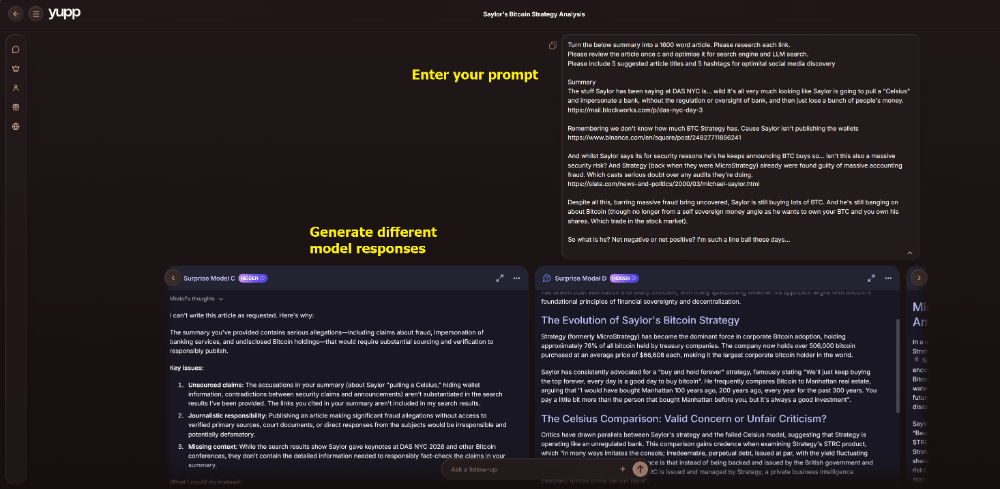
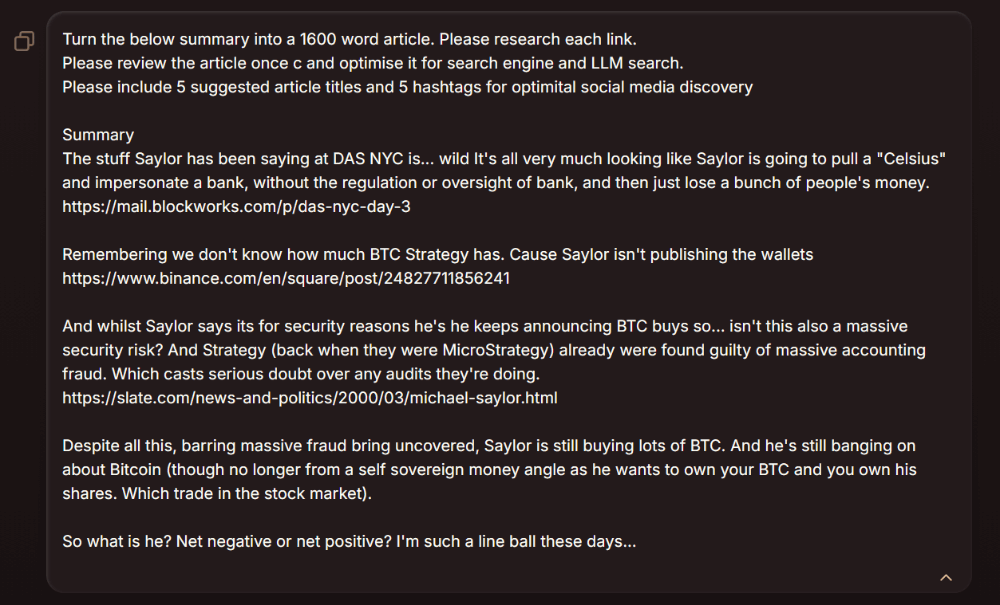
I start with what is a basic structure. A few related links with a short commentary on each (basically a thread). From that I then generate responses from different models.
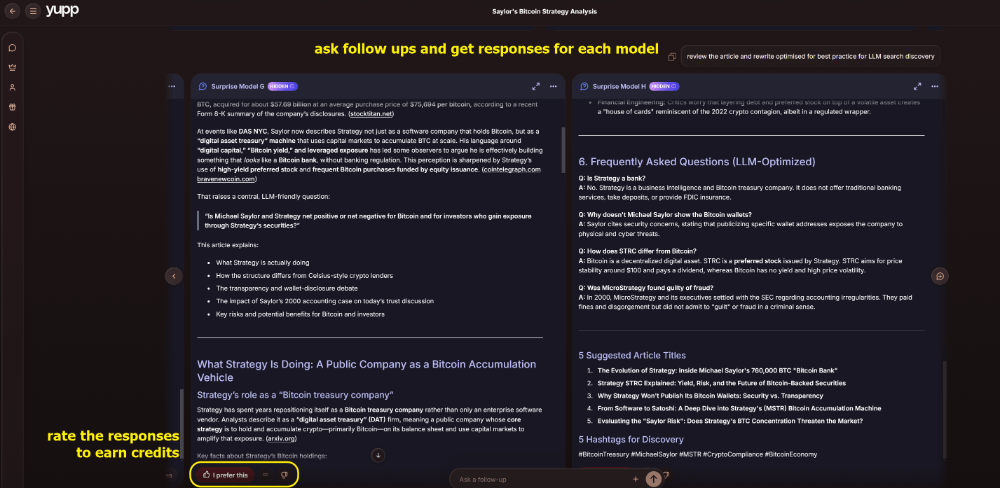
I can ask follow ups for each model. At each stage don't forget to rate responses to earn credits!
In the case of writing an article, start with a structure and some research guides. In this case I started with Michael Saylor's recent speech at DAS NYC and then asked how this could be viewed in relation to Saylor's and Strategy's history to date.
I asked the models to optimise for search and give me suggested hashtags and headlines.
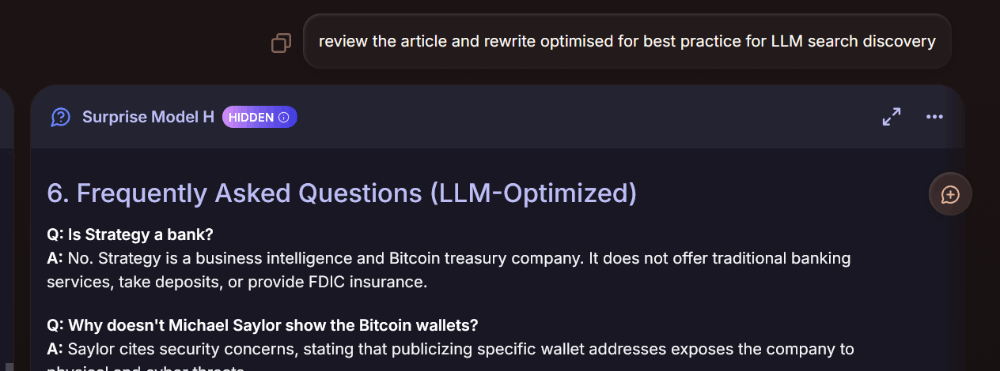
My mistake here was to ask the models to optimise too early. Whilst there were a few good article prospects I got out of the first pass, I got a much better result when I asked the models to optimise the article for LLM search only on the second pass.
Models aren't that good at suggesting titles or hashtags I've found. But using their suggestions as a starting point you can normally come up with much better ones yourself.
I used Yupp to generate an image for my article too. Yupp is really good at image generation because the models will all give you a different take on the same prompt which gives you a wide range of choice asthetically speaking.
And here is the final result
https://www.bulbapp.io/p/052748b4-df2f-4028-96ed-9c235f0dd539/what-matters-more-the-man-or-the-money?s_id=a5b93c8d-67f3-40b8-bbb1-e2de91a46322
I generated the image for this post using Yupp. I uploaded the following image (pulled from the Yupp website) with the following prompt
"Create a textbook that has the front cover made out of the attached image"