The Tripwires: Monitoring Your Online Presence

Passive, low-effort tools for keeping track of your own digital footprint before someone else does.
At some point, someone is going to Google your name. It might be a recruiter reviewing your application, a client checking you out before a call, or maybe someone you met the other week.
Whatever the reason, they’re going to see something. The question worth asking is whether you know what that something is.
There’s a pretty clear difference between paranoia and situational awareness. One applies a haphazard and, more often than not, unrealistic view of things. The other uses targeted strategies to help understand what is happening with our information that already exists in the public domain.
It’s worth keeping this in mind as we work through it. The aim of the game is not to disappear online (a reasonably difficult thing to do in the modern age), it’s to understand the footprint that already exists so that we learn how to properly manage it.
It’s been said that the best defence can often be an active offence. So, let’s see how that plays out in the real world.
The Audit
Before setting anything up, we need to understand what already exists. We can start by getting our Google Fu on to get the best results.
Open a private browsing window and start by searching your own name in quotes. Do it with variations, middle name included, maiden name, common misspellings. Then repeat it with your primary email address and any usernames you use regularly.
Next, run a reverse image search on any photos you use publicly, profile pictures in particular. Google Images and TinEye will show you where those images have been indexed or reused. It’s a five-minute exercise that should turn up nothing, however, you might just find something worth knowing about.
It’s also worth carrying out searches on social media to identify your active accounts and look for any impersonators if relevant.
Don’t forget to keep track of what you find along the way. Any information you can identify is going to help us build a picture of the baseline that we can act upon later.
Automated Watching
The problem with manual searches is that they never scale. The goal is to set up a system that alerts you passively when something new appears, so you stay informed without actively looking.
Google Alerts is the obvious starting point and remains one of the most underrated tools available for this purpose. Most people set it up once with their name and forget about it. The better approach is to be deliberate about it. So you might also want to include:
Your full name in quotes ("John Smith")

Variations of your name, including common misspellings

Your primary email address

Your most used usernames

Your employer combined with your name, if relevant
Set the frequency to “as it happens” for anything sensitive. Then route everything to a dedicated email folder so it stays organised without cluttering your inbox. This takes minutes to configure properly and then runs indefinitely in the background.
When it’s completed, you’ll know exactly when you’re being searched.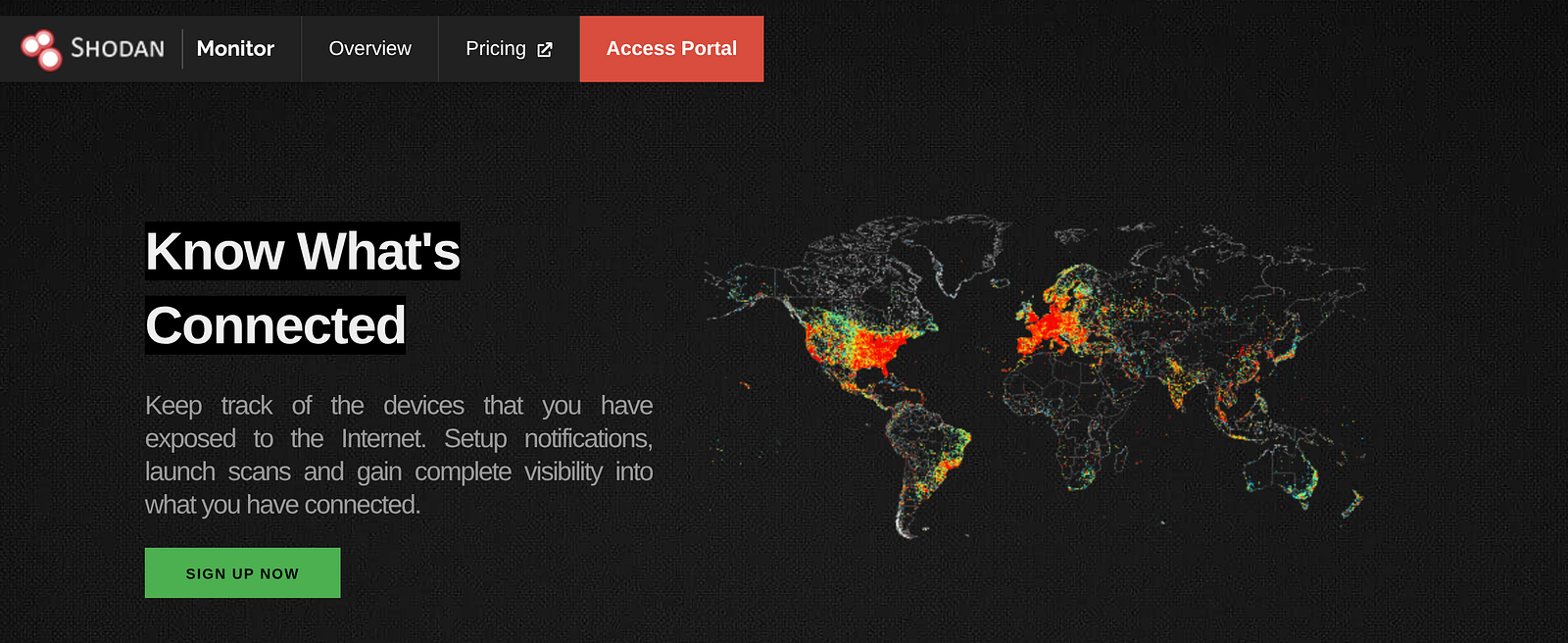
Monitor Your Assets
Next, we want to proactively look at other assets that we might have online. For this, we can use a few helpful tools to ensure that our infrastructure is well protected and we are advised of any potential compromises in real time.
If you have custom domains or other online infrastructure, Shodan is a great place to start. Allowing you to monitor domains and other assets in real time, this gives you additional peace of mind should things ever go south. Like our search flags, this is a set-and-forget proposition that only needs to be updated when something significant has changed.
Next up, we’ll want to keep an eye out for leaked credentials and information that has been involved in data breaches. You can use Proton Pass for this, or if you’d prefer a free tool, haveibeenpwned works well too.
The idea is to prevent credential stuffing and understand in real time when something is compromised. When a service is breached, those username and password combinations are often tested automatically against other platforms. If you’ve reused passwords (and most people have at some point), a breach from a site you barely remember using can cascade into something more significant.
By checking these ahead of time, we can ensure that passwords remain strong, old accounts are closed off, and we’ve put in the legwork to reduce the visible footprint.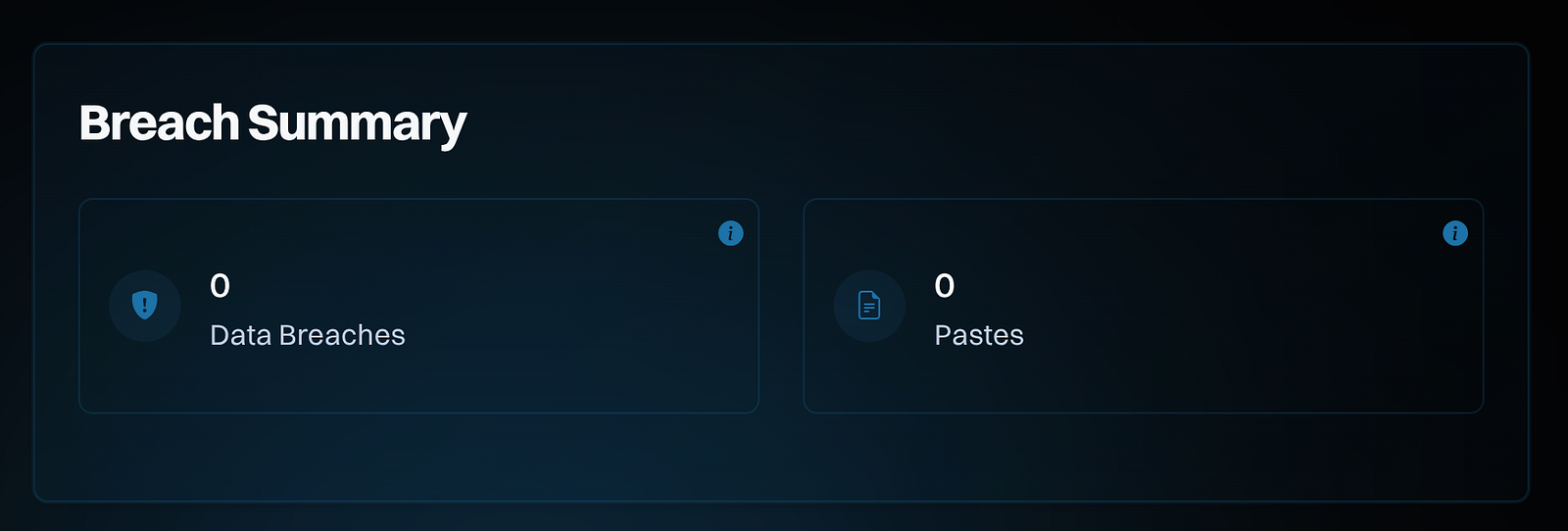
Location Data Consideration
We’ve spoken plenty about image metadata in previous articles, so it’s natural that it would get a mention here as well. Except we aren’t just looking at location data in images, we want to consider all location sources.
What that looks like will vary depending on the apps and services you are using, but here is a good starting point:
Google Timeline — most comprehensive single source

iPhone Significant Locations or Android Location History

Photo EXIF data on anything shared publicly

Snapchat Map and Facebook Nearby Friends

Strava or any fitness app with route history
Geotagged photos are a reasonably underappreciated risk. Smartphone images embed precise GPS coordinates in the EXIF metadata by default. While many apps remove metadata, some will keep it included in any images you might share. This can inadvertently broadcast the location information of where the image is taken.
It’s also worth mentioning that modern LLMs have gotten pretty good at image geolocation. Expect that a dedicated nerd will be able to geolocate most images with a background without too much effort.
Routine & Aggregation
The mistake most people make with this kind of monitoring is treating it as a project rather than a habit. A stack that requires significant ongoing effort won’t stay in use. The goal is something lightweight enough to run indefinitely in the background without you having to think too much about it.
A reasonable routine might look like this:
Daily (passive): Google Alert notifications arrive automatically. Review anything flagged as part of your usual email checks, or just automate it.
Weekly (five minutes): Check HaveIBeenPwned notifications and review any breach alerts.
Monthly (twenty minutes): Manual search audit, a quick data broker check, Namechk review for social media footprint changes.
This can be set up once and maintained occasionally, and it covers the majority of what matters without becoming a second job.
That Word “Aggregation” Again
For most readers, the tools above are about general awareness. For some, the stakes are higher. The Cyber Civil Rights Initiative provides specific guidance on digital stalking, image-based abuse and platform reporting, including step-by-step instructions for initiating the removal of content.
If you feel that you may be in this position, it’s helpful to engage outside sources early where needed. This gives you the best chance of managing things in your favour. Tailor this to your circumstances, but this might mean a cyber specialist to analyse log traffic or check for dedicated software compromises. Or, you may need dedicated law enforcement assistance or legal support to help prosecute a case if you have one.
It’s worth ending by highlighting that the strategy we discussed shows one thing we've touched on in previous articles, albeit in the reverse capacity. Namely, the effectiveness of data aggregation on your ability to understand the big picture.
A simple Google search can reveal a lot. But enrichment comes when we look in other places and combine this to build a big picture of our target, which, in this instance, happens to be ourselves.
This data already exists in the wild. In most cases, the indexing has already happened. You don’t have to be invisible to have situational awareness of your own footprint. You just need to pay attention to the right things.
Now, it’s over to you.
Investigator515 explores the RF spectrum, cybersecurity, and the hidden tech behind modern espionage.
Follow for new content weekly
Bluesky • X • Substack
You might also like,
- Your First SIGINT Toolkit For Under $100.00
- Hidden Trackers: 5 Ways Your Tech Betrays You
- The Night Stealth Fell: The Story Of Vega-31